Brunswick Library Visitor Guide
Brunswick Library is best used as a working community space, so plan your visit around what you want to do rather than treating it as a quick stop for books. You can browse and read without joining. Membership becomes useful when you want to borrow items, use digital services or manage loans from home. Families, students, remote workers and local history researchers will each need a different visit plan.
The library sits on Sydney Road within the Brunswick Town Hall precinct. This puts it near shops, public transport and other civic spaces. The busy setting is convenient, but it also means travel time, noise levels and demand for desks can change through the day. Check the official Merri-bek Libraries listing before leaving home because opening hours, events and service access may change.
What should you decide before you visit?
Choose one main purpose for the trip. A clear goal helps you bring the right items, choose a useful time and avoid spending the first part of your visit working out where to begin.
Most visits fit one of these purposes:
- Browse the shelves or collect a reserved item.
- Join the library and borrow for the first time.
- Read, study or complete focused work.
- Use a computer, printer or internet connection.
- Bring a child to read or attend an activity.
- Find information about Brunswick and the surrounding area.
A browser can arrive with little preparation. A person who needs a computer or a quiet desk should check availability and peak periods first. Someone joining the library may need identification and proof of address. The current membership page will tell you which documents the service accepts.
Write down the title, author or subject you need before arriving. If you are collecting a reservation, check that the notification says it is ready. A catalogue result may show that an item belongs to the wider library network rather than the Brunswick branch.
Can you enter and use the library without membership?
You can normally enter, browse shelves, read inside and ask staff for help without holding a library card. This makes the branch useful for visitors who want a calm break, local information or a place to read before another appointment.
A library card is needed for services tied to an account. These can include borrowing, reservations, renewals and access to subscription-based digital material. Conditions can differ by service, so ask staff if your task involves a device, booking or account login.
Do not postpone a visit because you are unsure whether you qualify for membership. Staff can explain the current rules and identify any documents you still need. If you cannot complete registration that day, you may still be able to browse the collection and note the items you want.
How do you find the right book without wasting time?
Search the library catalogue before you travel. Record the item status, branch and shelf details. A title listed in the network catalogue may be on loan, held at another branch or waiting for another borrower.
If the catalogue says an item is available, treat that as a useful lead rather than a promise that it will remain on the shelf. Another visitor may pick it up before you arrive. Reserve essential titles when the system allows it.
Inside the branch, start with the signs for broad collection areas. Then use the shelf code from the catalogue. Fiction is commonly arranged by the author’s surname. Non-fiction uses subject numbers, which group related topics together. Ask staff early if the code makes no sense. Ten seconds of help can save a long search across the wrong shelves.
Search by subject when you do not need one exact title. Try plain terms first, then narrow the result by format, audience or branch. For a school project on local transport, for example, search the main topic and Brunswick separately. This can reveal general books, local records and digital sources that one long search phrase may miss.
What is the best way to plan a study or work session?
Visit at a quieter time and bring everything required for independent work. Pack headphones, charging cables, water and any login details you need. Keep a second task ready in case your preferred desk, device or resource is unavailable.
Libraries are shared spaces, not silent offices. Children’s activities, conversations and normal movement can create bursts of sound. Headphones help with steady focus, but they should not block alarms or staff instructions. If your task needs a private call, confirm where calls are allowed before starting one.
Desk demand often rises after school, around assignment dates and during busy community programs. Arriving near opening time can improve your chance of finding a suitable place. Check the event schedule as well. A useful program can bring more people into the building even when the general area remains open.
Use short work blocks. Set up, complete the hardest task first and save light reading for later. This matters in a public setting because a power outlet, computer or quiet seat may not stay available for an unlimited period.
What should you do with your belongings?
Keep valuables with you. A laptop, phone or wallet can disappear during a brief trip to the shelves. If you must leave the desk, take the items that would be costly or hard to replace. Keep bags tucked in so they do not block paths.
Food and drink rules protect collections and equipment. Use a sealed water bottle and follow signs in each area. Leave strong-smelling or messy food for outside the library.
How should you plan to use computers, Wi-Fi or printing?
Check the current rules before relying on library technology for a deadline. Public computer sessions may have time limits, and printing may require payment or account credit. Device availability can also change during busy periods.
Save your work in more than one place. Email the file to yourself, use trusted cloud storage or carry a suitable storage device if the computer permits it. Do not leave the only copy on a public machine. Sign out of email, cloud services and other accounts when finished.
Prepare documents before arriving when possible. Set the page size, check margins and remove blank pages. Use print preview before paying. This small check can prevent wasted paper and repeated charges.
If you need to scan, copy or print an unusual format, contact the library first. Ask about file types, paper sizes, colour options and payment methods. A public printer is useful for standard documents, but it may not suit posters, bound work or specialist media.
Public Wi-Fi is convenient for routine browsing and study. Treat it like any shared network. Avoid exposing sensitive financial or identity details, keep your device updated and use secure websites. A privacy screen also helps when desks are close together.
How can families make the visit easier?
Give each child a simple job. One child can return books while another chooses a new title. A clear task turns the visit into an activity and reduces aimless movement through study areas.
Start in the children’s collection and let the child choose at least one book. Adults often pick by reading level or educational value, while children respond to humour, pictures and familiar interests. The best borrowing choice is a book the child wants opened again at home.
Keep the first visit short. Twenty focused minutes can work better than a long stay that ends in hunger or frustration. Leave while the trip still feels successful. You can extend later visits once the child knows the space and routine.
Check the program calendar for story sessions, school holiday events or other family activities. Confirm whether an event needs a booking and whether it targets a set age group. Popular sessions may fill before the day.
Explain shared-space rules in plain words before entering: walk inside, use a calm voice and put unwanted books in the place shown by staff. Young children should stay close to their adult. The library is welcoming, but it is not a supervised childcare service.
How can you research Brunswick itself?
Begin with one narrow question. Ask when a street changed, who used a building or how a local industry shaped the area. A tight question gives staff something concrete to work with and makes catalogue searches more useful.
Bring names, dates, street numbers and spelling variants. Brunswick records may use an old business name, a former council name or a different description of the same place. Search one detail at a time, then connect the results.
Local research can involve books, photographs, newspapers, maps, directories and online databases. Some sources may sit outside the branch or require a request. Ask which material is available on site and which records belong to another collection.
Record where every fact came from. Note the title, creator, date, page number and catalogue details. Take permitted photographs of source labels as well as the useful page. Without that record, an interesting detail can become hard to verify later.
Do not assume a digitised record tells the whole story. A newspaper report may contain errors. A directory may show an occupier rather than an owner. Compare two sources before making a firm claim about a person, property or event.
What access needs should you check in advance?
Contact the library when your visit depends on step-free entry, an accessible toilet, seating with particular support or room for a mobility aid. Online descriptions help, but direct confirmation is better when one missing feature could stop the visit.
Ask about the full route rather than the entrance alone. The useful question is whether you can move from the street or parking area to the entrance, service desk, collection, toilet and exit. A building may have an accessible entry while still requiring planning inside.
Visitors with sensory needs should check the event schedule and ask about quieter periods. Lighting, voices, printers and movement can make the same room feel different from one hour to the next. Bringing ear protection and planning a shorter visit can make the trip easier.
If you need staff support with a device, form or catalogue search, describe the task when you arrive. Staff can help more effectively when they know the result you need. They may also suggest a quieter time or a service better suited to the task.
What mistakes cause the most trouble?
The first mistake is arriving with a deadline and no backup. A computer can be occupied. A printer can need attention. A book can already be in another reader’s hands. Complete urgent preparation early and keep another way to send or store the work.
The second mistake is confusing network availability with branch availability. Check the listed location for every item. Reserve the title if the trip depends on it, then wait for confirmation that it is ready to collect.
The third mistake is bringing incomplete membership documents. Read the current joining rules before leaving home. If the information is unclear, call the service and ask what applies to your address and age group.
The fourth mistake is trying to solve a hard research question without staff input. Librarians know how the catalogue is organised and which databases cover a subject. State your goal, what you have already checked and the date range you need.
The fifth mistake is planning a long visit without checking events. A program may change noise levels or demand for space. The event calendar is as useful to a study visitor as it is to someone attending the activity.
What does an efficient first visit look like?
- Check the official branch page for opening times, alerts and scheduled events.
- Search the catalogue and reserve any item that is essential.
- Bring identification if you plan to join, plus your library card if you already have one.
- Ask staff where to begin as soon as you enter.
- Complete the task that depends on library equipment or help first.
- Browse, read or explore the collection after the main task is secure.
- Before leaving, confirm loan dates, save digital work and check that you have every personal item.
This order protects the purpose of the visit. It also leaves room to discover books or services without risking the job that brought you there.
Before your visit, check the official Brunswick Library listing and write down the single task you want to complete first.
Editorial fact check — 11 October 2026. Brunswick Library is at the corner of Sydney Road and Dawson Street. Merri-bek provides branch hours, membership information and service policies; confirm computer sessions, printing charges, booking requirements and accessibility before relying on them. Browse and read during public opening hours without assuming a desk or device will be available. Sources: https://www.merri-bek.vic.gov.au/libraryhours and https://www.merri-bek.vic.gov.au/libraries/.
Explore more local guides at https://brunswicklocal.pages.dev/.
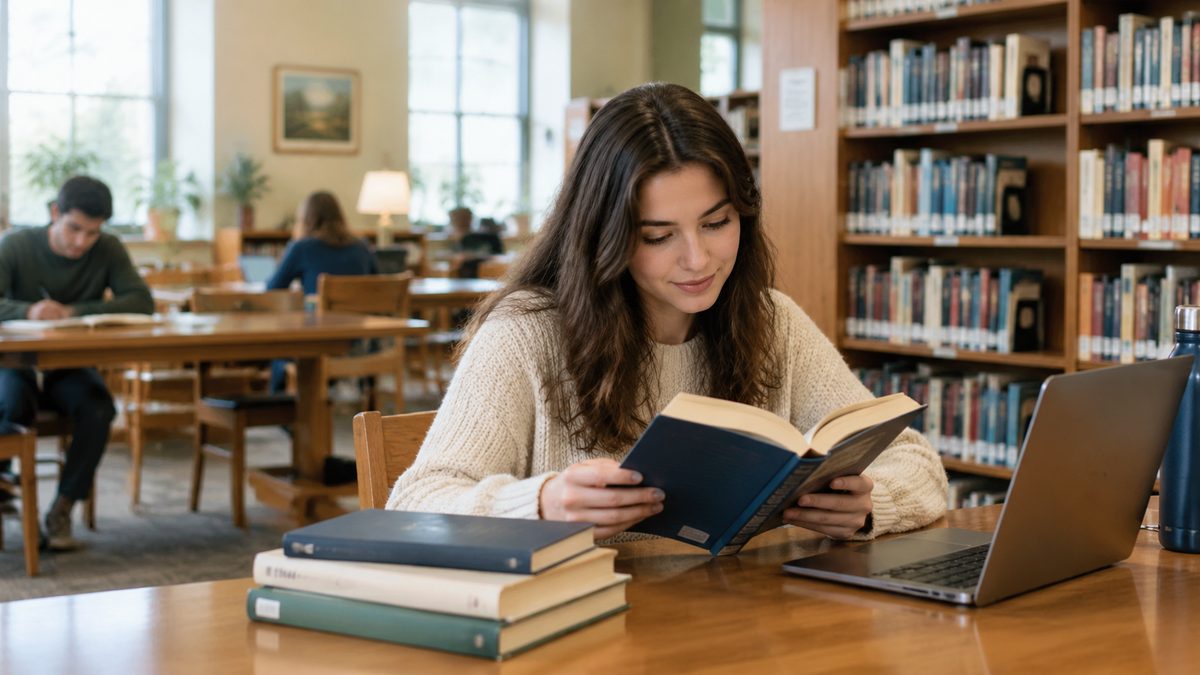
Image: AI-generated editorial illustration; it does not document a particular venue or visit.